How to Make a Printable Strands-Style Puzzle for Class or Home
Creating a printable Strands puzzle is a fun and rewarding way to engage learners of all ages — whether you're a teacher looking for a fresh classroom activity or a parent wanting an educational game for home. In this guide, you'll learn exactly how to design, theme, and format your own DIY printable Strands puzzle from scratch using free tools you already have. Get ready to turn any topic into an interactive word challenge that kids and adults will love.
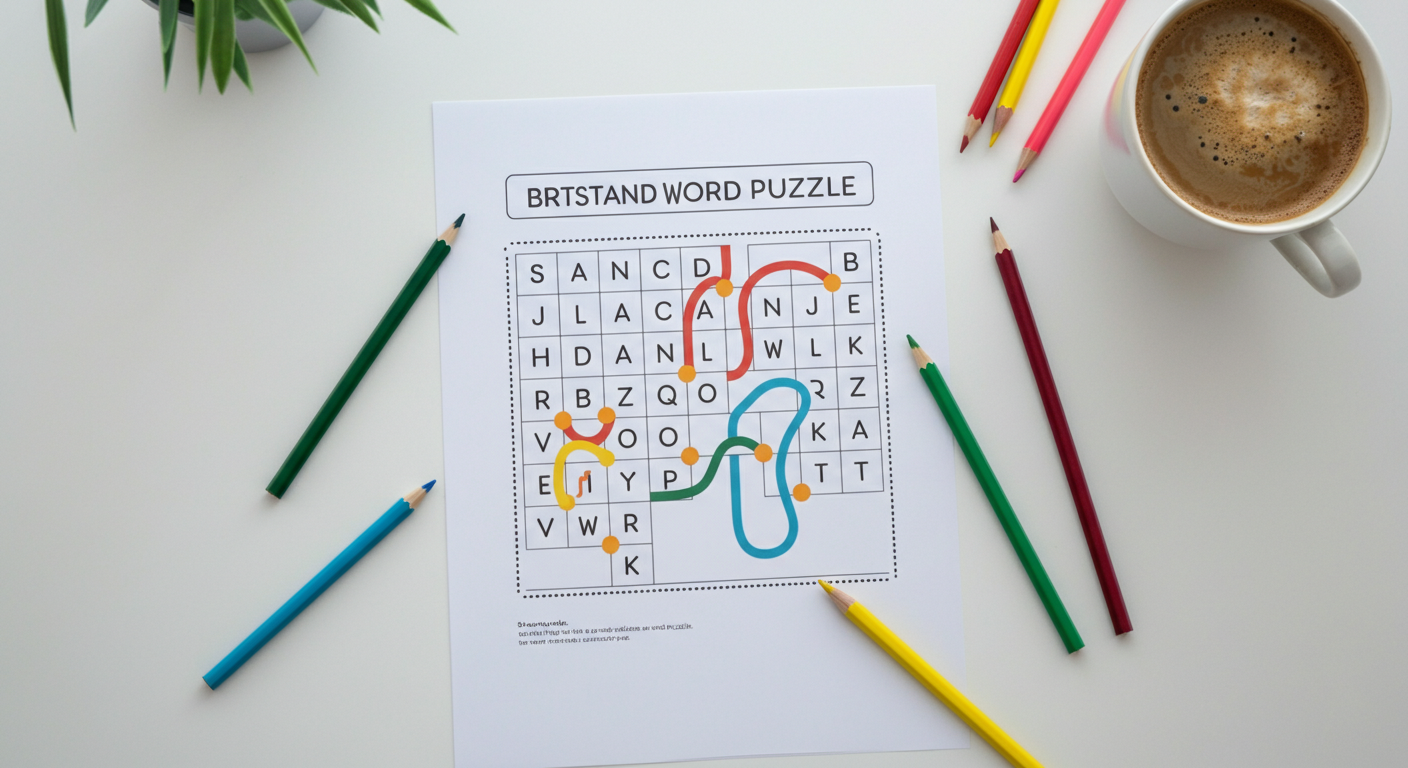
Why Printable Word Puzzles Are Great for Learning
Word puzzles have been a classroom staple for decades — and for good reason. A well-crafted printable word puzzle builds vocabulary, reinforces spelling, and sharpens pattern recognition, all while keeping learners genuinely entertained. Unlike screen-based games, a printed puzzle requires no Wi-Fi, no device, and no setup time. You hand it out, and the fun begins.
The NYT Strands format takes the classic word search printable concept to the next level. Instead of hunting for random words, players find themed words hidden in a grid — every letter is used, and a hidden “spangram” connects two sides of the board. This added layer of challenge makes it ideal for older students and adults, while a simplified version works beautifully as Strands for kids.
Whether you’re filling a rainy afternoon at home or need a five-minute warm-up activity before a lesson, a DIY printable Strands puzzle delivers real educational value with minimal prep.
How to Design a Strands-Style Grid
The good news: you don’t need special software to build your own puzzle. Here are the most accessible options.
Using Google Docs or Microsoft Word
Both tools let you insert a table to create your grid. A standard Strands board is 6 columns × 8 rows, but you can adjust this for your needs. Set all cells to a fixed size (about 0.5" × 0.5"), center the text, and use a bold, readable font like Arial or Courier New. Type one letter per cell, making sure your hidden words read in any direction — horizontal, vertical, or diagonal.
Using Canva
Canva’s free tier is perfect for making a polished, visually appealing DIY printable Strands puzzle. Use the grid or table element, customize colors for different word categories, and export as a high-resolution PDF ready for printing. Canva is especially useful if you want to share the puzzle digitally or post it to a class website.
Using Puzzle Generator Sites
Sites like Discovery Education’s Puzzle Maker, Crossword Labs, or WordMint let you input your word list and auto-generate a filled grid. While these don’t perfectly replicate the Strands mechanic (where every letter is used), they produce a solid word search printable in seconds. Download the PDF and you’re done.
Choosing Age-Appropriate Themes
The theme is what makes a Strands puzzle feel special. Matching the theme to your audience is key.
For younger kids (ages 6–10): Keep word lists short (6–8 words) and use familiar topics — animals, colors, simple shapes, or favorite cartoon characters. A 5×6 grid is plenty. Avoid diagonal words to reduce frustration.
For tweens and teens (ages 11–16): Bump up to 8–10 words and introduce diagonal directions. School subjects, sports teams, book series, or pop culture references work brilliantly here. This age group responds well to a challenge, so include a tricky spangram.
For adults: Go for 10–12 words on a full 6×8 grid. Themes like world capitals, classic films, culinary terms, or historical events make for a satisfying solve. Adults appreciate the elegance of a puzzle where every single letter belongs to a word.
How to Format Your Puzzle for Printing
A great puzzle can be ruined by poor formatting. Keep these tips in mind before you hit print.
- Grid size: A 6×8 grid fits comfortably on a standard letter-size (8.5"×11") page with room for a title and instructions. For younger children, scale up to a 5×6 grid with larger cells.
- Font: Use a clean sans-serif font at 14–16pt inside the cells. Avoid decorative fonts that make letters hard to distinguish.
- Instructions: Add a one-line instruction at the top: “Find all the hidden words. Every letter belongs to a word!”
- Answer key: Always create a separate answer key page. Highlight or circle the words in a different color so it’s easy to check. If printing for a class, keep the answer key for yourself.
- Margins: Leave at least a 0.5" margin on all sides so nothing gets cut off by the printer.
Theme Ideas to Get You Started
Stuck on what to make your puzzle about? Here are some crowd-pleasing ideas:
- School subjects: Math, Science, History, English, Art, Music, Geography
- Holidays: Halloween costumes, Christmas traditions, Thanksgiving foods, Valentine’s Day symbols
- Family names: Use your own family members’ names for a personalized gift or reunion activity
- Pop culture: A favorite movie franchise, a TV show, a music artist’s discography
- Nature & science: Types of clouds, planets in the solar system, parts of a plant
- Food & cooking: Fruits, vegetables, baking ingredients, world cuisines
Personalized themes are especially powerful — a puzzle built around a student’s favorite book series or a family’s holiday traditions feels like a gift, not a worksheet.
Tips for Teachers: Using It as a Classroom Activity
A Strands puzzle for classroom use is most effective when it’s tied to curriculum. Here’s how to make the most of it:
Vocabulary reinforcement: Build your word list directly from the week’s spelling or vocabulary words. Students who finish early can write a sentence using each word they found.
Warm-up or cool-down: A 10-minute puzzle at the start or end of class settles the room and keeps early finishers engaged without requiring teacher supervision.
Team challenge: Divide the class into pairs or small groups and race to find all the words. This turns a solo activity into a collaborative, communicative exercise.
Cross-curricular connections: A science teacher can create a puzzle around cell biology terms; a history teacher can theme one around a specific era. The puzzle becomes a low-stakes review tool.
Differentiation: Offer a word bank for students who need support, and remove the word bank for students who need a greater challenge — same puzzle, two difficulty levels.
How to Laminate and Reuse Your Printed Puzzles
If you’re making puzzles for repeated classroom use, laminating is a game-changer. Print your puzzle on cardstock for extra durability, then run it through a standard pouch laminator (available for under $30 at most office supply stores). Students can use dry-erase markers to circle words, then wipe the sheet clean for the next group.
For home use, a simple plastic page protector sleeve works just as well. Slide the puzzle in, hand over a dry-erase marker, and you have a reusable activity that survives even the messiest of kids.
You can also build a small puzzle library — laminate a dozen themed puzzles and store them in a binder. Pull them out for substitute teacher days, early finishers, or rainy-day entertainment. Your one-time effort keeps paying off all year long.