How to Replay or Reset a Strands Puzzle
Want to replay Strands puzzle after you've already solved it? Whether you're looking to reset your progress, revisit a past challenge, or simply play Strands again for practice, this guide walks you through every option available. From clearing your browser cache to using incognito mode and the NYT Games archive, here's everything you need to know.
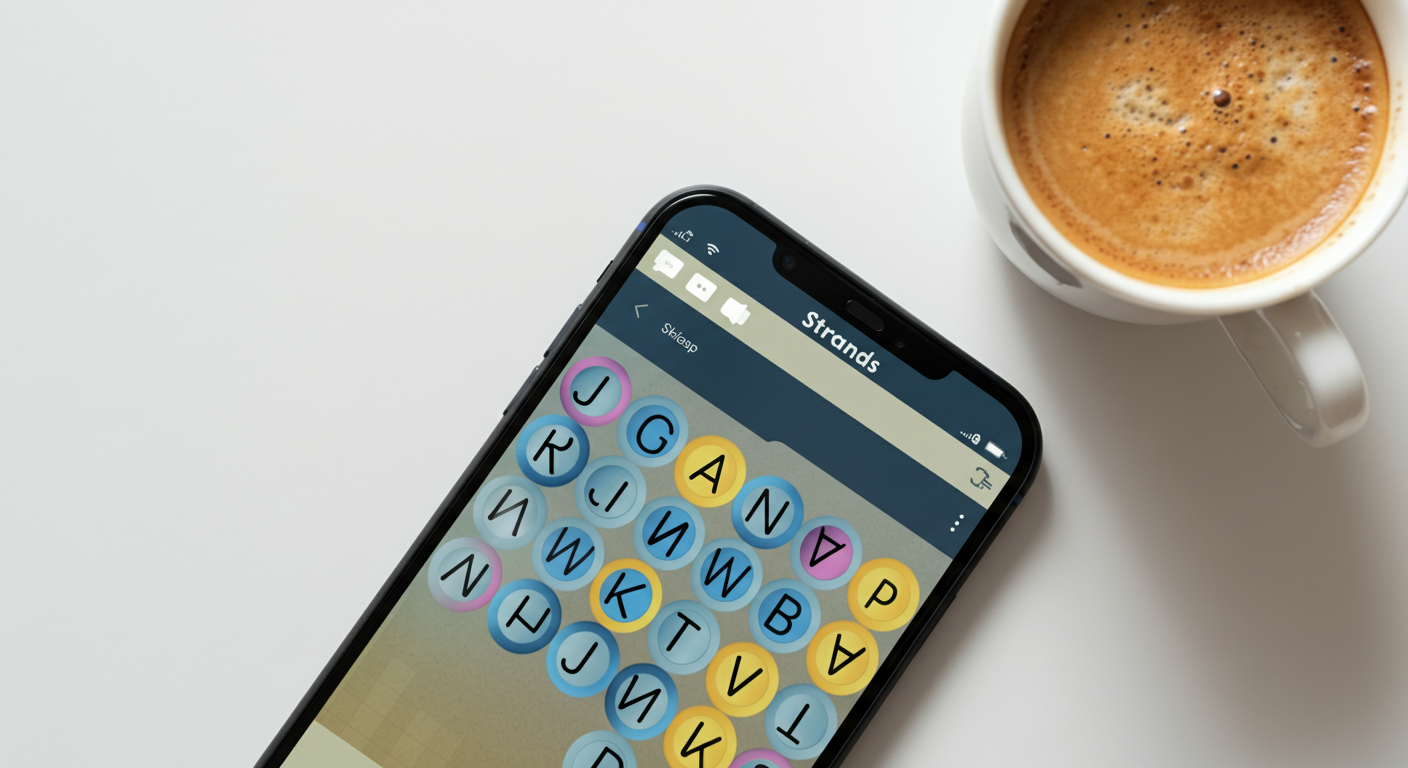
If you've ever finished today's NYT Strands puzzle and immediately wished you could go back and try it again, you're not alone. Maybe you want to improve your time, show a friend how it's done, or just enjoy the puzzle a second time. The good news is there are several ways to replay NYT Strands — some official, some a little more creative. Here's a complete breakdown.
Can You Officially Replay the Same Day's Strands Puzzle?
The short answer: not directly. Like most NYT Games, Strands is designed as a once-a-day experience. Once you've completed the puzzle, the game saves your result and shows you a summary screen. There's no built-in "play again" button that resets the current day's puzzle within the same browser session.
That said, the NYT doesn't permanently lock you out. Your progress is stored locally in your browser — which means there are ways to do a Strands puzzle reset if you know where to look.
How to Reset Progress on a Strands Puzzle
If you want to wipe your saved progress and start the current puzzle fresh, clearing your browser's cached data for the NYT Games site is the most reliable method.
Clearing Your Browser Cache (Chrome)
- Open Google Chrome and navigate to the NYT Strands page.
- Click the padlock icon (or the info icon) to the left of the URL bar.
- Select "Site settings" from the dropdown menu.
- Scroll down and click "Clear data" — this removes cookies and cached files for the NYT domain.
- Confirm the action, then refresh the page.
- The puzzle should now appear as if you've never played it.
Clearing Cache on Safari (Mac)
- Open Safari and go to the Strands page.
- In the top menu, click Safari → Settings → Privacy.
- Click "Manage Website Data" and search for nytimes.com.
- Select it and click "Remove", then confirm.
- Reload the page to start fresh.
Clearing Cache on Firefox
- Go to the Strands page in Firefox.
- Click the padlock icon in the address bar.
- Select "Clear cookies and site data" and confirm.
- Refresh the page to begin the puzzle again.
Note: Clearing site data may also log you out of your NYT account on that browser. Make sure you have your login credentials handy before proceeding.
Replaying vs. Accessing Archived Puzzles: What's the Difference?
It's worth drawing a clear line between two different things people mean when they say they want to replay Strands:
- Replaying the current puzzle — You've already solved today's puzzle and want to do it again from scratch. This requires a cache clear or a workaround (more on that below).
- Accessing past/archived puzzles — You want to play a puzzle from a previous day that you missed or want to revisit.
These are two distinct scenarios, and the NYT handles them differently.
How to Use the NYT Games Archive for Past Strands Puzzles
The NYT Games archive gives subscribers access to a library of past puzzles. Here's how to use it:
- Go to the NYT Strands page and make sure you're logged in to your NYT Games subscription.
- Look for the calendar icon or an "Archive" link on the Strands page (typically found in the menu or below the puzzle grid).
- Browse the calendar to find a past date you'd like to play.
- Click on that date to load the archived puzzle.
- Play it just like any other Strands puzzle — your progress on archived puzzles is tracked separately from the daily puzzle.
Tip: Archive access requires an active NYT Games subscription. If you only have a basic digital subscription, you may need to upgrade.
Workarounds for Replaying Strands
Don't want to clear your main browser's data? There are a couple of clever workarounds that let you play Strands again without touching your saved progress.
Use Incognito / Private Browsing Mode
Incognito mode opens a fresh browser session with no cookies or cached data — which means the NYT site has no record of you having played.
- Open a new Incognito window in Chrome (Ctrl+Shift+N on Windows, Cmd+Shift+N on Mac) or a Private window in Firefox or Safari.
- Navigate to the NYT Strands page.
- The puzzle will load as if it's your first time playing.
- You may need to log in again, or you can play as a guest.
Use a Different Browser
Each browser stores its own separate cache and cookies. If you completed the puzzle in Chrome, simply open Firefox, Edge, or Safari and visit the Strands page — it will treat you as a new visitor.
- Open a different browser than the one you used to complete the puzzle.
- Go to the NYT Strands page.
- Log in (optional) or play as a guest.
- Enjoy the puzzle again!
This is probably the easiest no-fuss method to play Strands again without any technical steps.
Why Replaying Strands Can Help You Improve
Beyond just the fun of it, there are real benefits to doing a reset Strands puzzle and playing it a second time:
- Pattern recognition: Strands puzzles are built around a hidden theme. Replaying helps you spot how the theme connects words you might have missed the first time.
- Speed improvement: If you're competitive about your solve time, replaying lets you practice finding word groups more efficiently.
- Learning from mistakes: Did you use a hint? Replaying without hints is a great way to challenge yourself and build vocabulary.
- Sharing the experience: Sometimes you just want to walk a friend or family member through a puzzle you loved. Resetting and replaying together is a great way to share the fun.
The more you play, the better you get at recognizing the lateral thinking that NYT Strands puzzles demand.
Final Thoughts
While the NYT doesn't offer a one-click way to replay Strands puzzle, you have plenty of options: clear your browser cache for a true reset, use incognito mode or a different browser for a quick workaround, or dive into the archive to revisit past puzzles. Whether you're chasing a better score or just want to enjoy a great puzzle twice, these methods have you covered. Happy puzzling!