Our Blog
Latest news, tips, and updates.

Pattern Recognition Techniques for Strands Players
Mastering Strands pattern recognition is one of the fastest ways to level up your game and solve puzzles with greater speed and confidence. This guide breaks down the most effective techniques for spotting word patterns in Strands — from common prefixes and suffixes to theme-based clustering — giving you practical tools you can apply from your very next puzzle.

How to Play Old Strands Puzzles from the Archive
Want to play old Strands games you missed or revisit a favorite puzzle? This guide walks you through every way to access the Strands archive — from the official NYT Games platform to free third-party sites — so you can explore past NYT Strands games at your own pace. Whether you're sharpening your skills or chasing a specific date, you'll find everything you need right here.

How Strands Stats and Streaks Work
Curious about how Strands stats and streaks work in the NYT word puzzle game? This guide breaks down everything you need to know — from what the stats screen tracks after each puzzle to how your daily Strands streak is calculated and stored. Whether you're a casual player or a dedicated solver, understanding your Strands stats and streaks can make the game even more rewarding.

Why Did My Strands Streak Disappear? Causes and Possible Fixes
If your Strands streak disappeared overnight, you're not alone — many players have experienced a sudden Strands streak reset without any obvious reason. From clearing your browser cache to switching devices, there are several common culprits behind a lost Strands streak. This guide walks you through every possible cause and the steps you can take to fix your Strands streak and keep it going strong.

How to Replay or Reset a Strands Puzzle
Want to replay Strands puzzle after you've already solved it? Whether you're looking to reset your progress, revisit a past challenge, or simply play Strands again for practice, this guide walks you through every option available. From clearing your browser cache to using incognito mode and the NYT Games archive, here's everything you need to know.
How to Play Strands on iPhone, Android, Tablet and Desktop
Want to play Strands on mobile, tablet, or your laptop? NYT Strands is available across all your devices — no download required — making it easy to enjoy the daily word puzzle wherever you are. This guide walks you through exactly how to access and play Strands on iPhone, Android, tablet, and desktop.
How to Share Your Strands Results with Friends
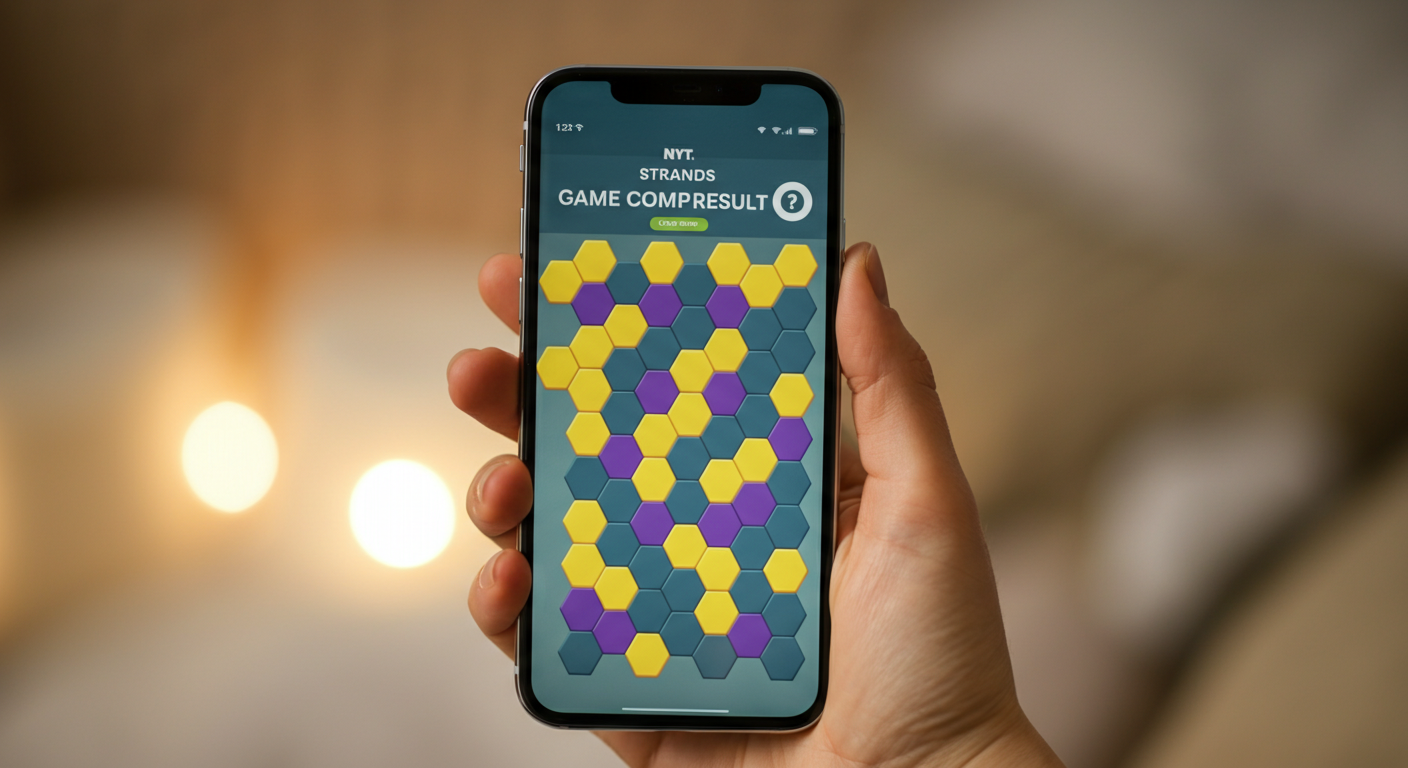
Want to share Strands results with your friends after cracking the day's puzzle? NYT Strands makes it easy to share your Strands game results in a fun, spoiler-free emoji format. Here's everything you need to know about using the Strands share button and spreading the word across your favorite platforms.
How to Make a Printable Strands-Style Puzzle for Class or Home
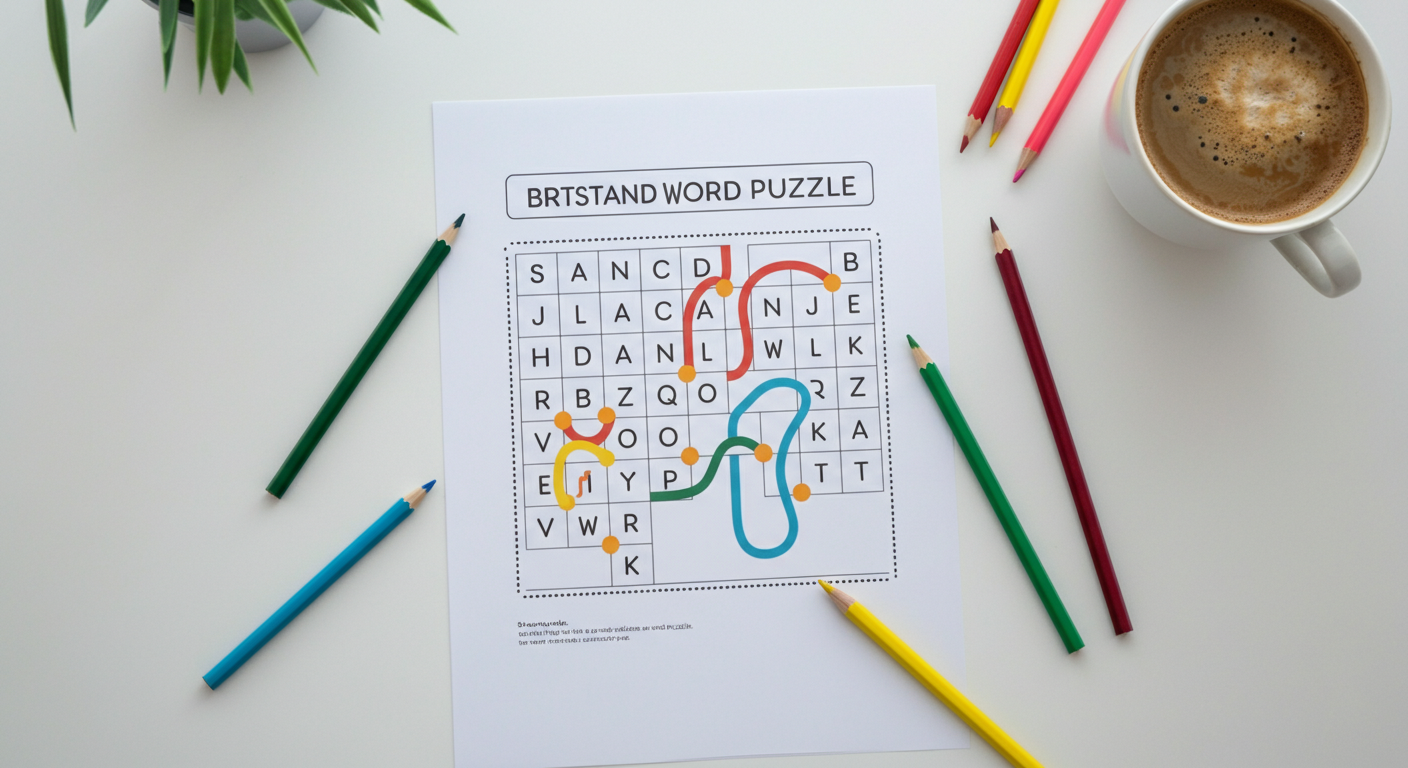
Creating a printable Strands puzzle is a fun and rewarding way to engage learners of all ages — whether you're a teacher looking for a fresh classroom activity or a parent wanting an educational game for home. In this guide, you'll learn exactly how to design, theme, and format your own DIY printable Strands puzzle from scratch using free tools you already have. Get ready to turn any topic into an interactive word challenge that kids and adults will love.

How to Play Strands with Friends and Family
Want to play Strands with friends and turn your daily word puzzle into a shared experience? NYT Strands is the perfect Strands social game for connecting with the people you love — whether you're comparing scores over text or solving it side by side on the couch. This guide covers everything you need to make Strands a fun, friendly ritual for the whole family.
Strands Not Working? Fix Loading, Clicking and Saving Problems
If Strands not working is ruining your daily puzzle session, you're not alone — NYT Strands problems like blank screens, unresponsive clicks, and lost progress are more common than you'd think. This guide walks you through the most effective fixes for every Strands game issue, from loading failures to app crashes. Whether you play on desktop or mobile, you'll find clear, step-by-step solutions to get back to solving in minutes.